
Categoria: Computer Essentials: Digital Literacy
Don’t just use technology: understand it. Your journey into the digital world starts here, for free.
In today’s connected world, digital literacy is no longer optional—it is a fundamental life skill.
This free course by SALYVAN ACADEMY is designed to guide you step-by-step, starting from absolute zero. Forget the frustration of not knowing what to do in front of a screen; here, we build your solid foundations.
What you will learn in this journey:
– The Genesis: Understand how we arrived at today’s digital world to grasp its dynamics.
– The Architecture: Clearly distinguish between Hardware (the machine) and Software (the programs), and understand how they interact.
– The Awareness: Navigate the internet not just technically, but safely, recognizing risks and managing your digital identity.
A rigorous yet accessible approach, curated by Ivano Salerno, to transform you from an uncertain user into a confident digital protagonist.
This course is for you if: You are starting from basics, or if you already use a PC but feel you have theoretical gaps holding you back.
🚀 Partecipate now and start building your digital future!
-
Welcome to the first lesson of the Digital Literacy course. In this inaugural module, we will not limit ourselves to exploring how to turn on a computer or browse the web; we will delve into the very foundations of the ecosystem in which we live. Understanding the “digital world” means decoding the reality that surrounds…
-

Welcome to the second lesson of our Computer Essentials module. Following our introduction to the “digital world,” it is now essential to examine the physical architecture that makes this world possible: the Hardware. Understanding computer anatomy is about more than just memorizing component names; it is about comprehending how electrical energy is transformed into information…
-

Welcome to the third lesson of our Computer Essentials module. In previous sessions, we explored the “digital world” and the internal anatomy of the computer (CPU, RAM, Motherboard). However, a computer, no matter how powerful, would remain an isolated entity without tools that allow it to receive instructions from the outside and communicate results to…
-
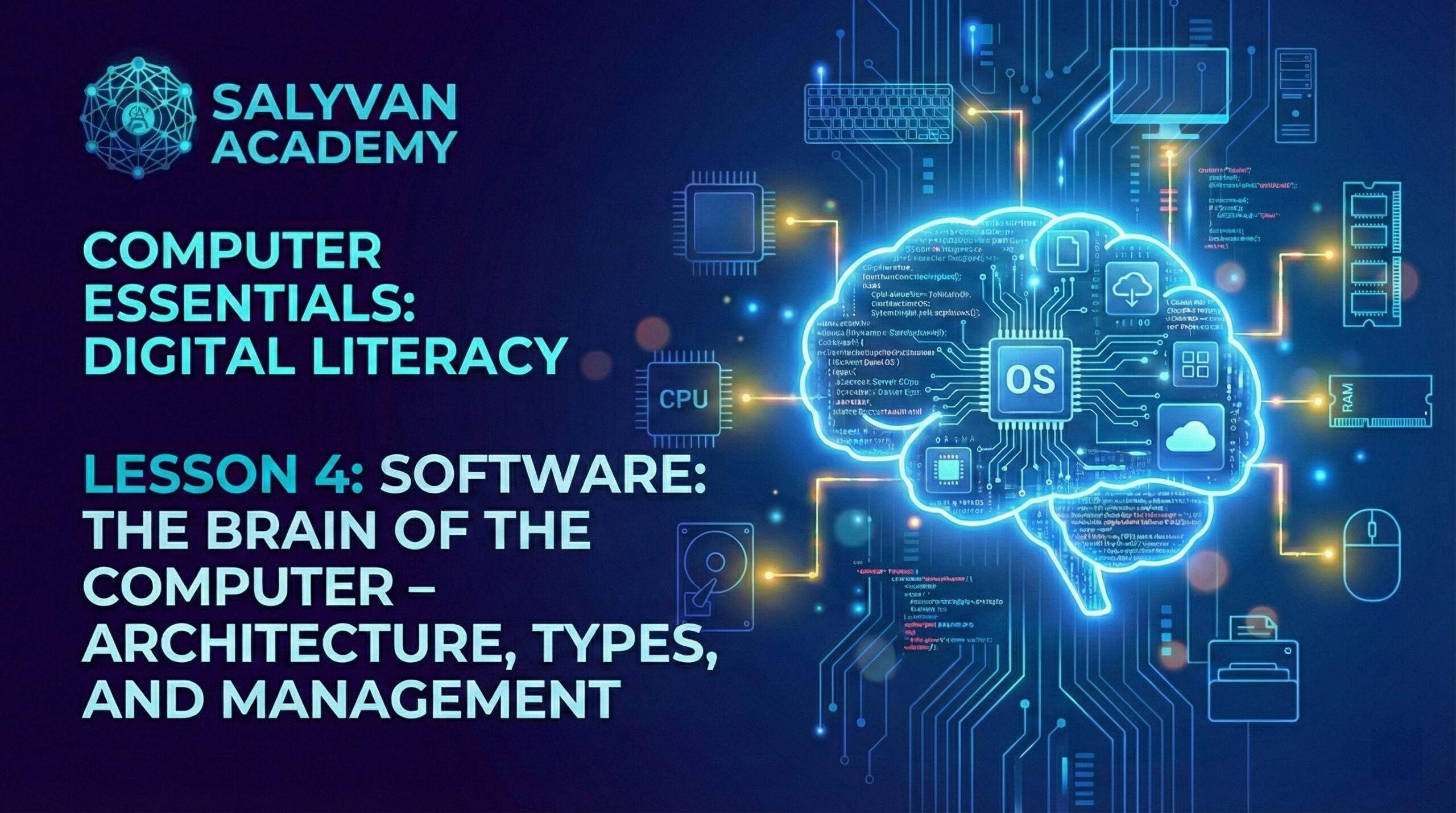
Welcome to the fourth lesson of our Digital Literacy course. After analyzing the physical structure of the computer (hardware) and how we interact with it via peripherals in previous sessions, it is now time to explore the machine’s “logical soul”: the Software. In this lesson, titled “Software: The Brain of the Computer,” we will go…
-
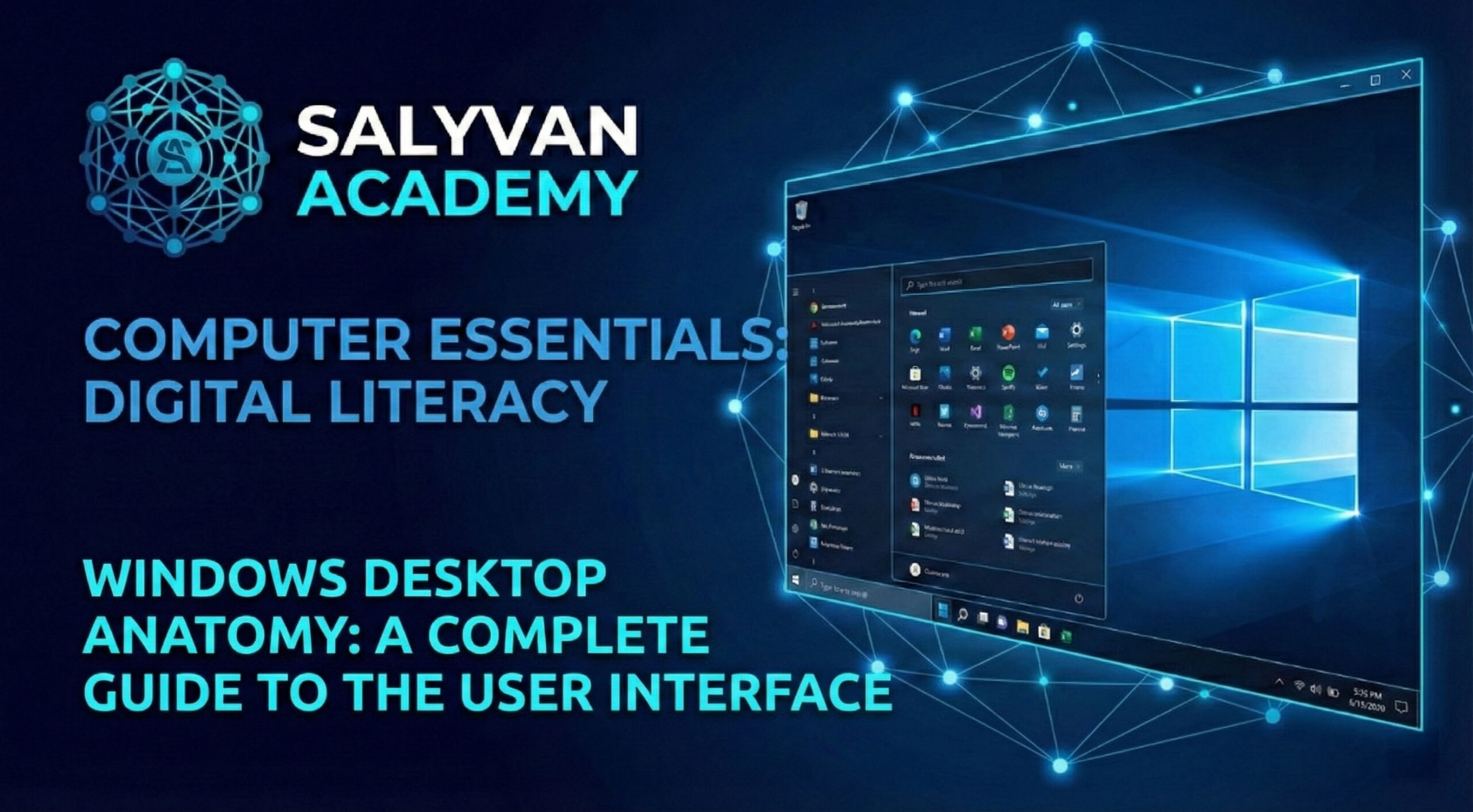
Welcome to the fifth lesson of the Computer Essentials module. Having previously explored hardware architecture and the logical nature of software, it is now time to master the primary tool that allows us to interact with these elements: the User Interface (UI). In this lesson, we will analyze in detail the anatomy of the Windows…
-

Welcome to the sixth lesson of the “Computer Essentials: Digital Literacy” course. In this pivotal stage of our journey, we transition from architectural theory to daily practical application. This Essential PC Quick Guide is designed to provide you with the operational skills necessary to master the Windows environment, manage applications, and understand critical data management…
-
Welcome to the seventh lesson of the Computer Essentials module. Up to this point, we have explored hardware architecture, the operating system, and the user interface. Today, we move into the practical realm, tackling two of the most frequent and fundamental activities in computing: producing text documents and transforming them into physical format (printing). Many…
-
Welcome to the eighth lesson of the “Computer Essentials: Digital Literacy” course. Up to this point, we have built the foundations: we know the hardware, we have mastered the interface, and we can manage applications. Now, we enter the true operational heart of the computer: Data Management. Imagine your hard drive as an immense library.…
-

Welcome to the ninth lesson of the Computer Essentials module. After exploring the inner workings of a single computer, the Windows interface, and file management, it is time to look upward and analyze how computers “talk” to one another. In this encyclopedic guide to computer networks, we will analyze the invisible infrastructure that enables the…
-
Welcome to the tenth lesson of the “Computer Essentials: Digital Literacy” course. Until now, we have learned how to use the computer as a productivity tool. Now, we must learn how to protect it—and, more importantly, how to protect ourselves. Cybersecurity is no longer a topic reserved for experts: every day, our personal, financial, and…